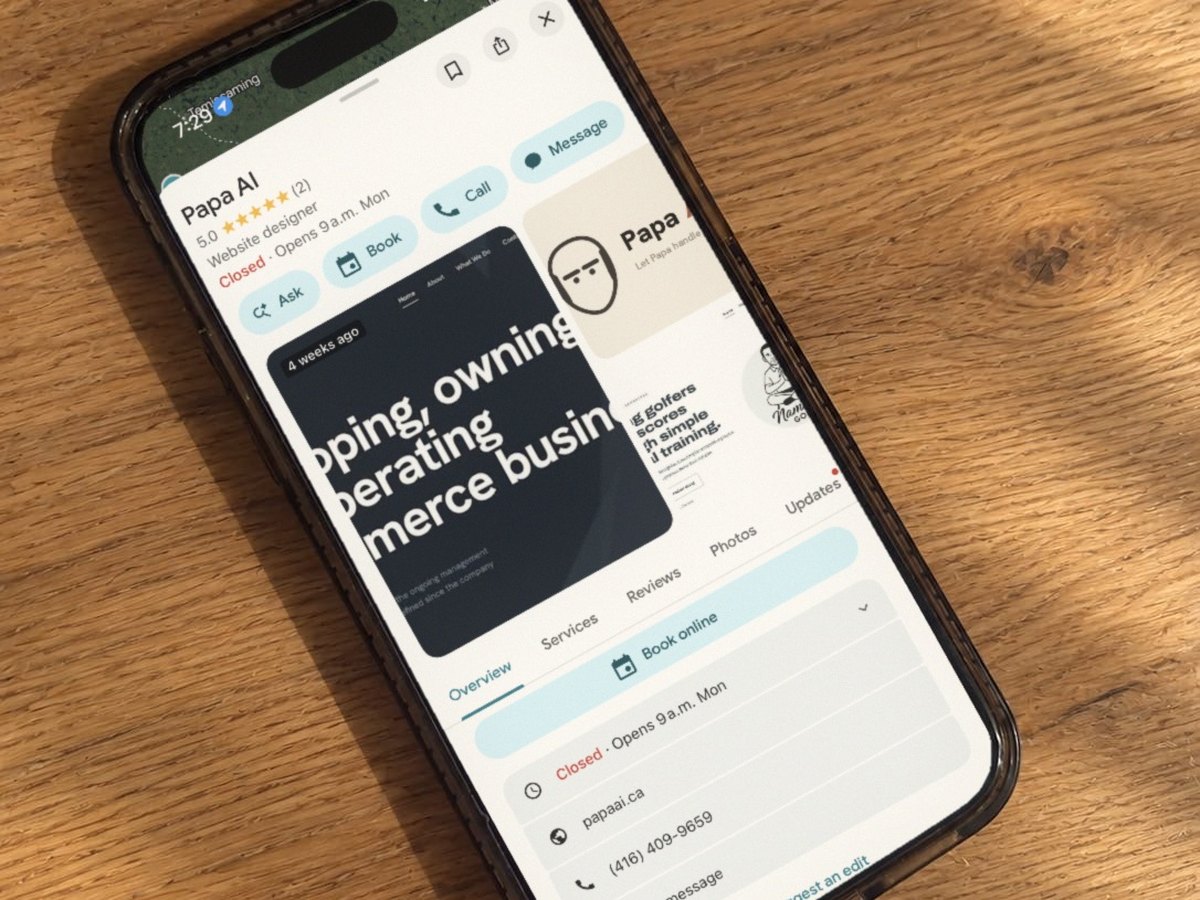
When someone near you searches “plumber” or “hair salon”, the first thing they see usually isn’t a website. It’s the map, with three businesses pinned on it. That spot is free. It comes from your Google Business Profile, and most local businesses I look at have left half of it blank.
Here’s the checklist I run through for every client. Set aside an hour, and do it on a computer, not your phone.
Start here: claim it
Go to business.google.com and search for your business. If it’s already there, claim it. If it isn’t, add it. Google will ask you to verify that you really run the place, and it picks the method. Don’t skip this. An unverified profile can be edited by anyone.
The checklist
- Your name, exactly as it’s on your sign. No extra words like “Best Plumber Brighton”. Google’s rules don’t allow it, and it can get your listing suspended.
- The right main category. This matters more than anything else on the list. Pick the one that says what you are, then add a few extra categories for the other things you do.
- Your address or your service area. A shop customers visit shows its address. If you go to your customers, like a contractor, hide your address and list the towns you serve instead. Google doesn’t accept a PO box as an address.
- Hours, including holidays. Wrong hours lose you customers twice: once when they show up to a locked door, and again when they leave a review about it. Add holiday hours before every long weekend.
- A phone number that gets answered.
- Your website. If you don’t have one, leave it blank for now. Never link to a page that’s broken or out of date.
- A description. A few plain sentences about what you do and where. Write it for a customer, not for Google.
- Your services or menu. Spell them out. People search for the thing they need, and this is how Google matches them to you.
- Real photos. Your storefront, your team, your work. Ten good ones beat fifty blurry ones. Add a few new ones every month.
- Reply to every review. Good or bad, a short and friendly reply shows people a real person runs the business.
What not to do
- Don’t buy reviews or swap them with other businesses. Google removes them, and it can flag your listing.
- Don’t make a second profile for the same location.
- Don’t stuff town names into your description. Write naturally.
What it gets you
A complete profile won’t put you on top of the map overnight. But an empty one almost never shows up, and most of your competitors haven’t done this work either. When I checked 1,669 local businesses across Northumberland and Quinte, nearly 3 in 10 had no website listed on their profile at all.
If you’d rather not do it yourself, it’s part of every website I build. Or book a free 20-minute call and I’ll look at yours with you.